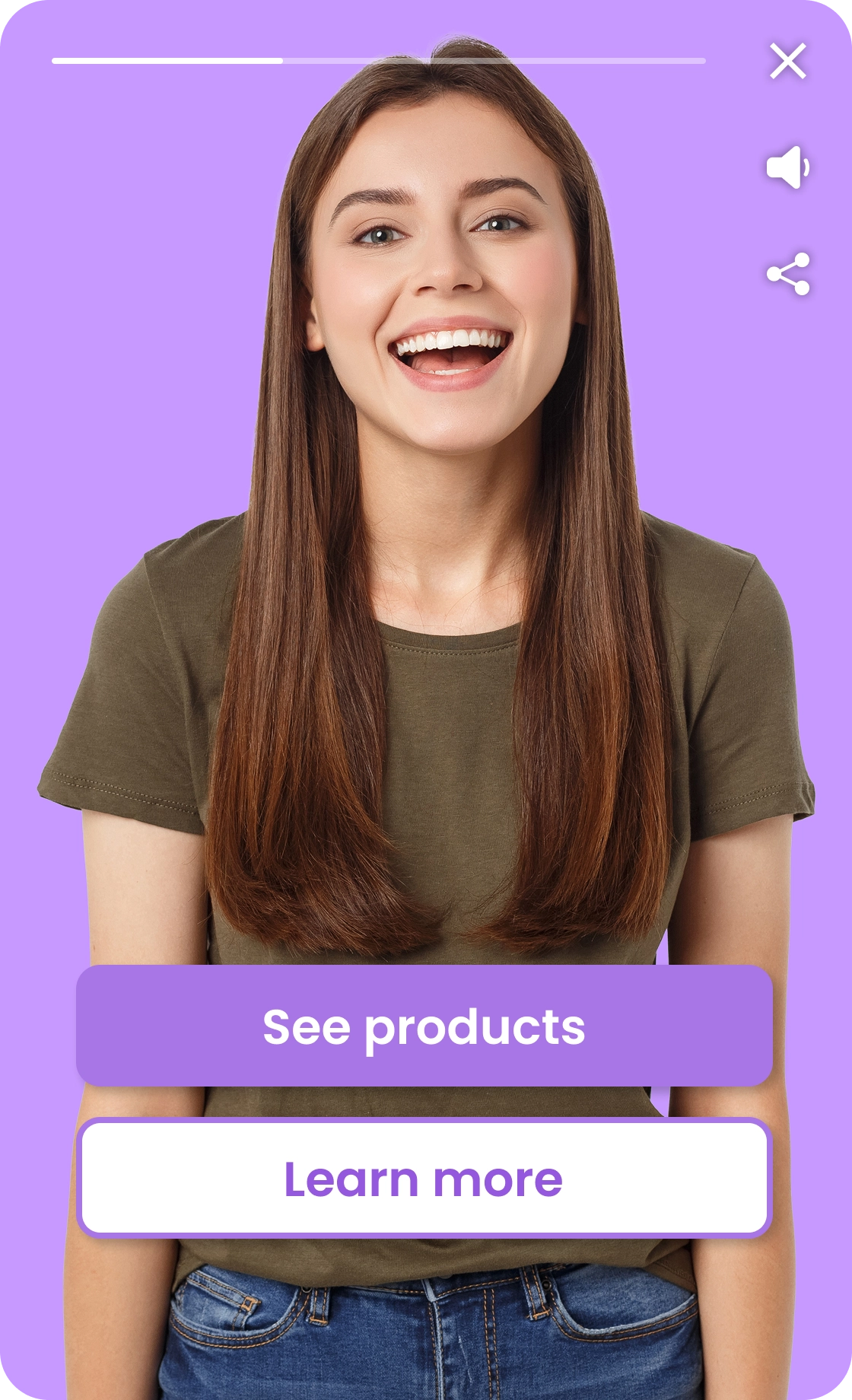
Turn passive viewers into user-led experiences with interactive videos
An interactive video widget turns video from something visitors watch into something they can use. Instead of passively playing content, the video can respond to choices, questions, and actions — directly on your website.
Updates automatically
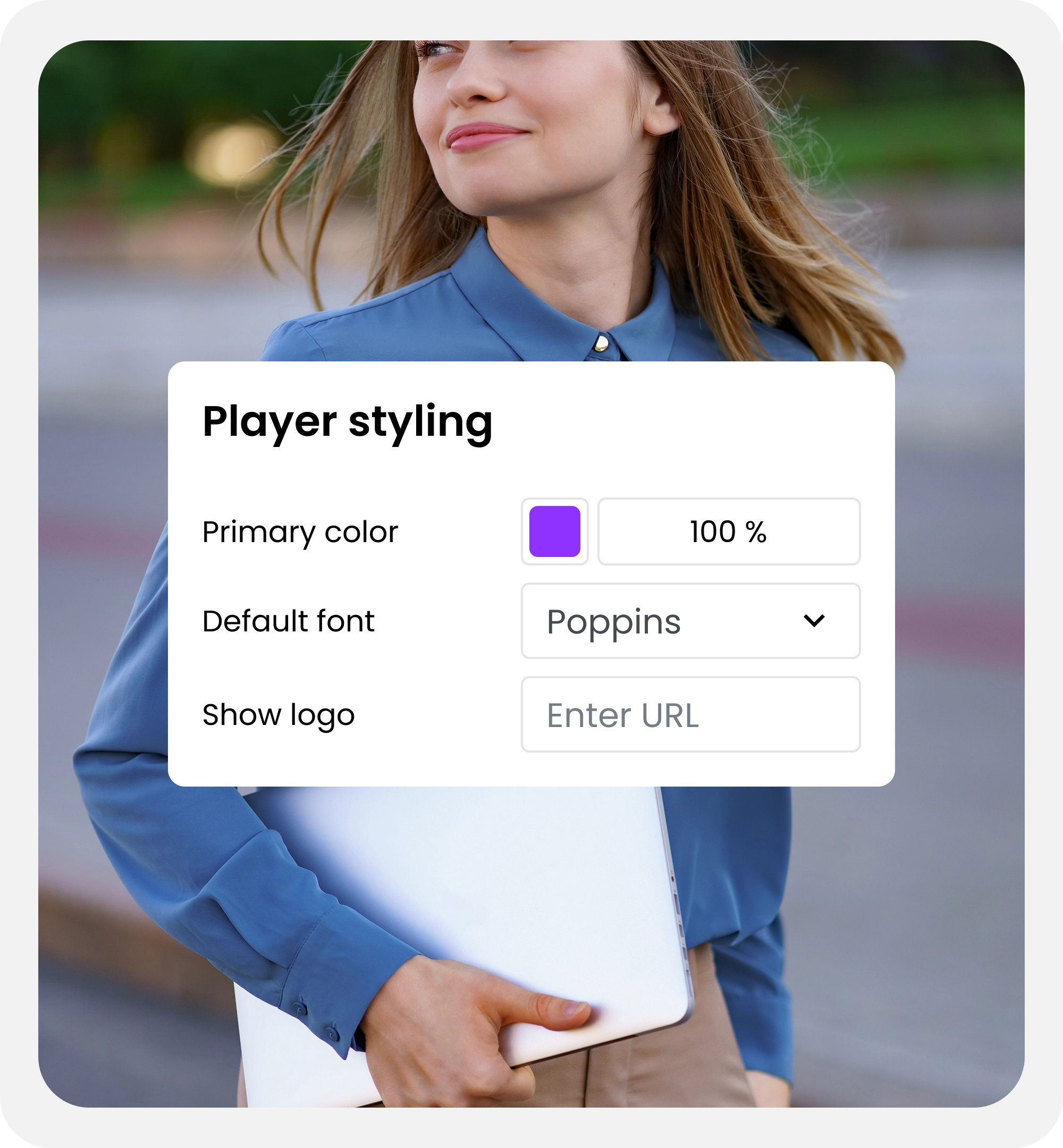
The video widget is directly connected to the Qbrick platform. Any changes you make — video updates, interactions, branding, or calls to action — are reflected instantly in the widget.
Interactive
The video widget supports interactive videos with questions, choices, and calls to action. Visitors can engage directly in the video and take the next step without leaving your website.
Responsive
The video widget adapts automatically to all screen sizes and devices. It works seamlessly on desktop, tablet, and mobile, ensuring a consistent experience everywhere.
Frequently asked questions about the video widget.
Is the widget intrusive or autoplaying?
No. The video widget does preview the content in the video, but is designed to be non-intrusive. It does not interrupt the page or block content, and playback starts only when the visitor chooses to engage. The widget remains visible but optional, giving visitors control over when and how they watch.
Does it work on mobile and tablets?
Yes. The video widget is fully responsive and adapts automatically to different screen sizes. On mobile and tablets, the widget adjusts its size, position, and controls to ensure a comfortable viewing experience without interfering with navigation.
Can I use interactive videos in the widget?
Yes. The widget supports both interactive and non-interactive videos. You can include questions, buttons, calls to action, and branching logic — all within the same widget format.
Is it the same player as the Qbrick Player?
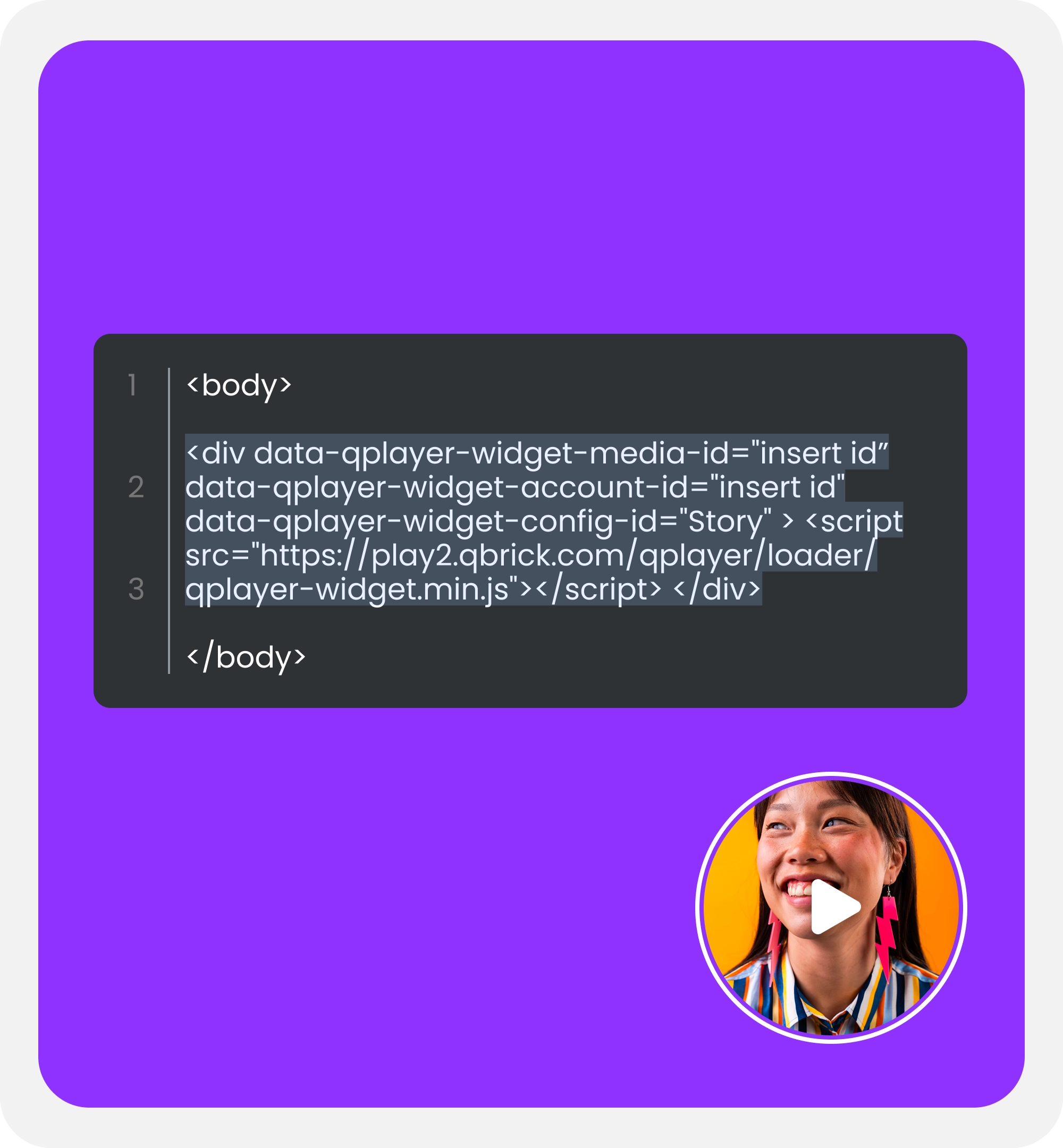
Yes. The video widget uses the standard Qbrick Player. It’s not a separate product or limited version — it’s simply a different way of embedding the same player, with the same features, analytics, and controls.
Can I change the widget after publishing?
Yes. Any changes you make in the Qbrick platform — such as updating the video, interactions, branding, or calls to action — are automatically reflected in the widget. There’s no need to update the embed code or make changes to your website.