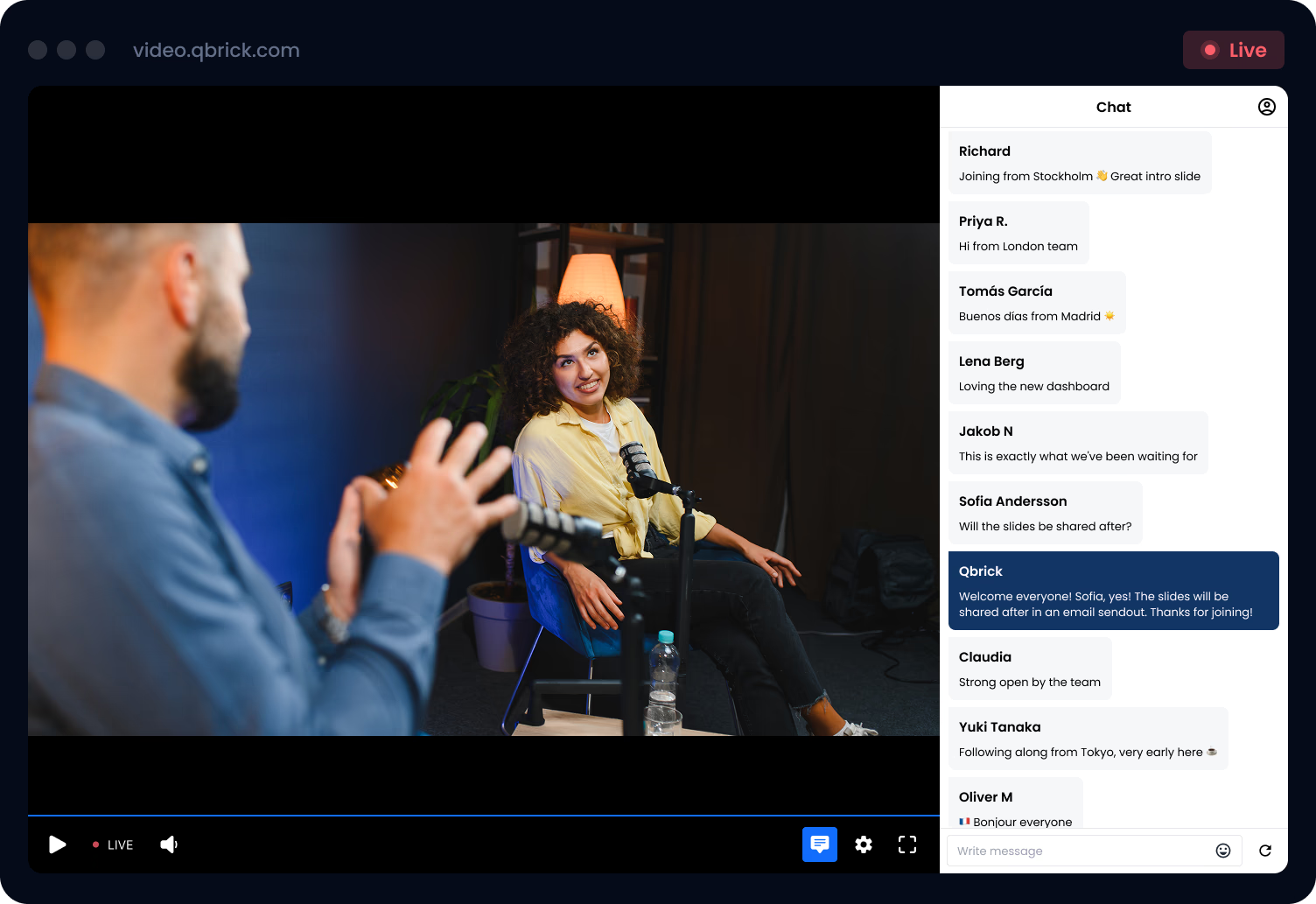
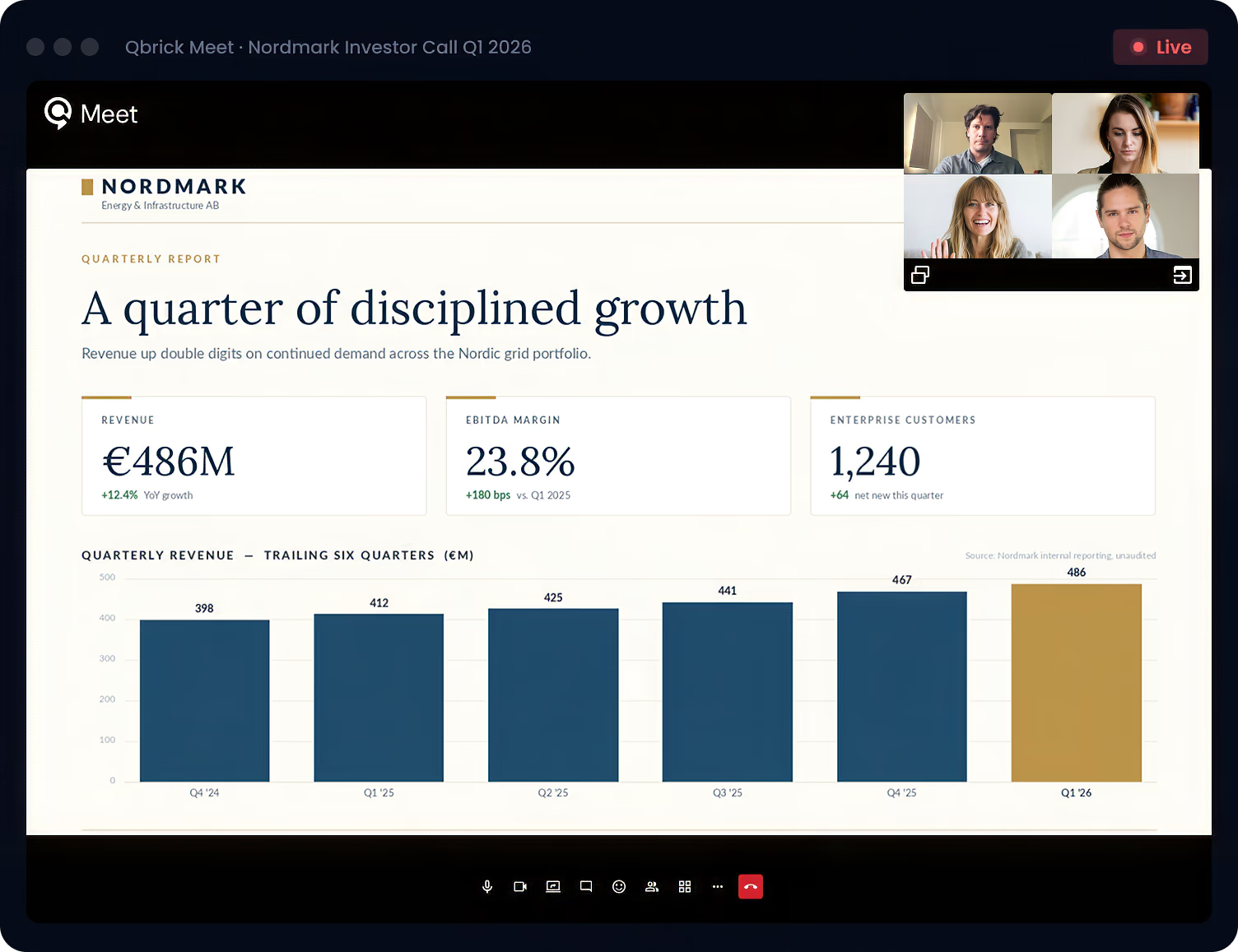
Branded broadcasts, real-time engagement, secure event pages, and on-demand archives. Live Manager runs the full workflow. You pick the streaming method.
Pristine playback, real-time engagement, branded event pages, and the controls to run the show.
PRISTINE PLAYBACK
High quality adaptive streaming, on every device.
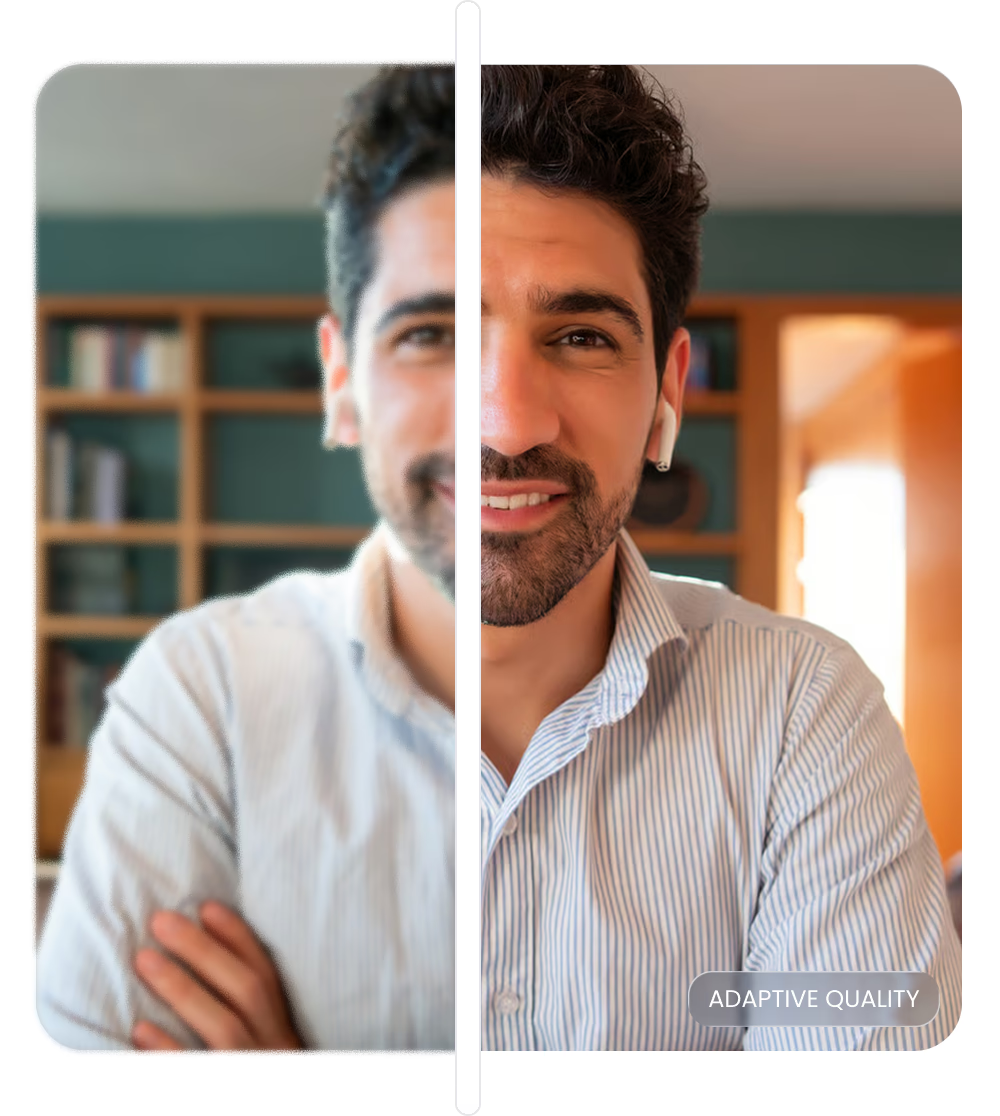
Every broadcast is delivered in adaptive bitrate up to 4K. Viewers get the sharpest stream their connection can handle, automatically, without buffering or quality drops.
Built on adaptive playback
The player adjusts to network conditions in real time so viewers never see a stall.
REAL-TIME ENGAGEMENT
Chat, moderated Q&A, and polls.
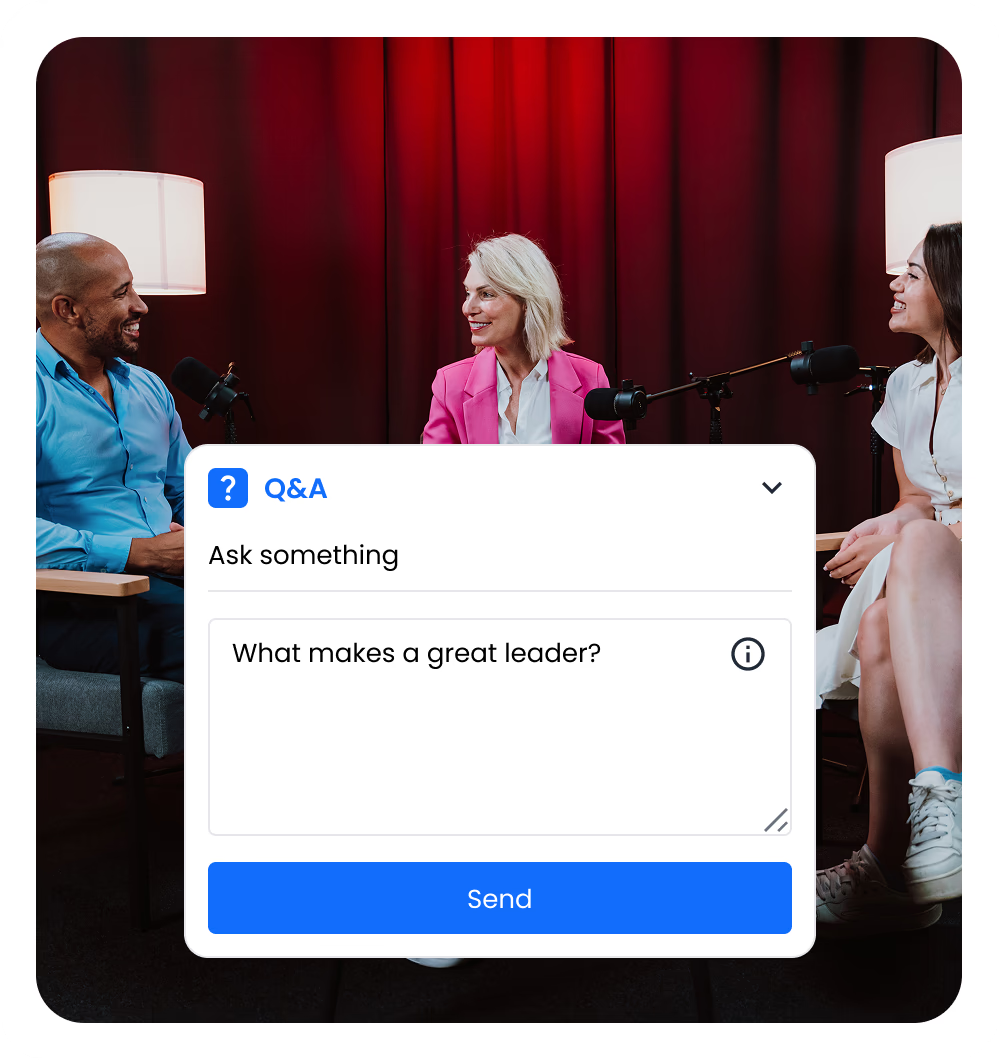
Run an event, not a broadcast. Live chat, moderated Q&A with voting, and polls keep the audience in the room and the moderators in control.
Live chat
Run a moderated chat for viewers.
Moderated Q&A
Approve, publish and order questions before they reach the audience. Viewers can vote on what they want answered next.
Polls
Push a poll mid-broadcast, watch the results come in live, and reference them on screen.
STYLE AND CUSTOMIZE
Set the stage.
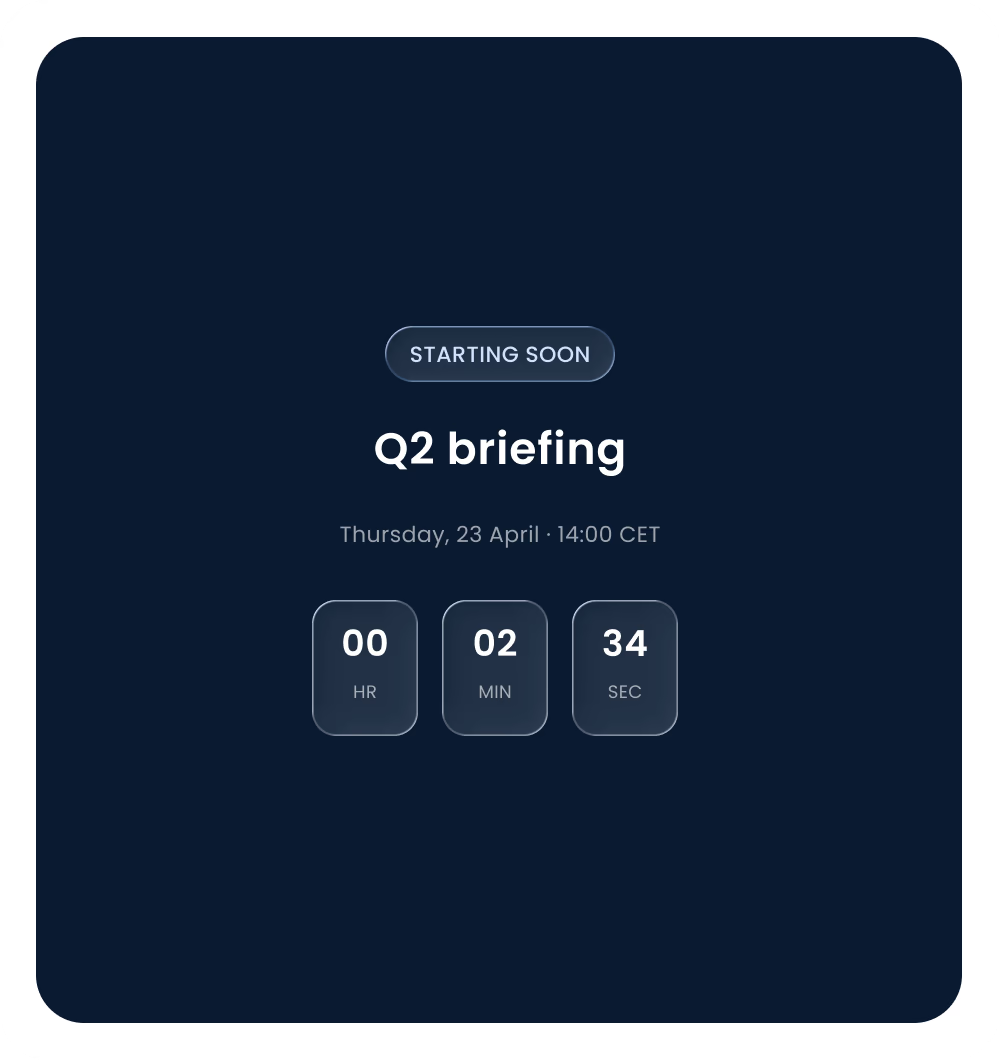
Pre-event covers hold the audience with a countdown, a programme, or a teaser before the broadcast starts. Post-event covers carry the conversation forward once the live feed ends.
Branded pre-cover
Display a countdown clock, agenda or sponsor reel while viewers wait for the broadcast to begin.
Post-event cover
When the live feed wraps, swap to a thank-you screen, a follow-up CTA, or a teaser for the next session.
EVENT PAGE
Branded event pages, ready in minutes.
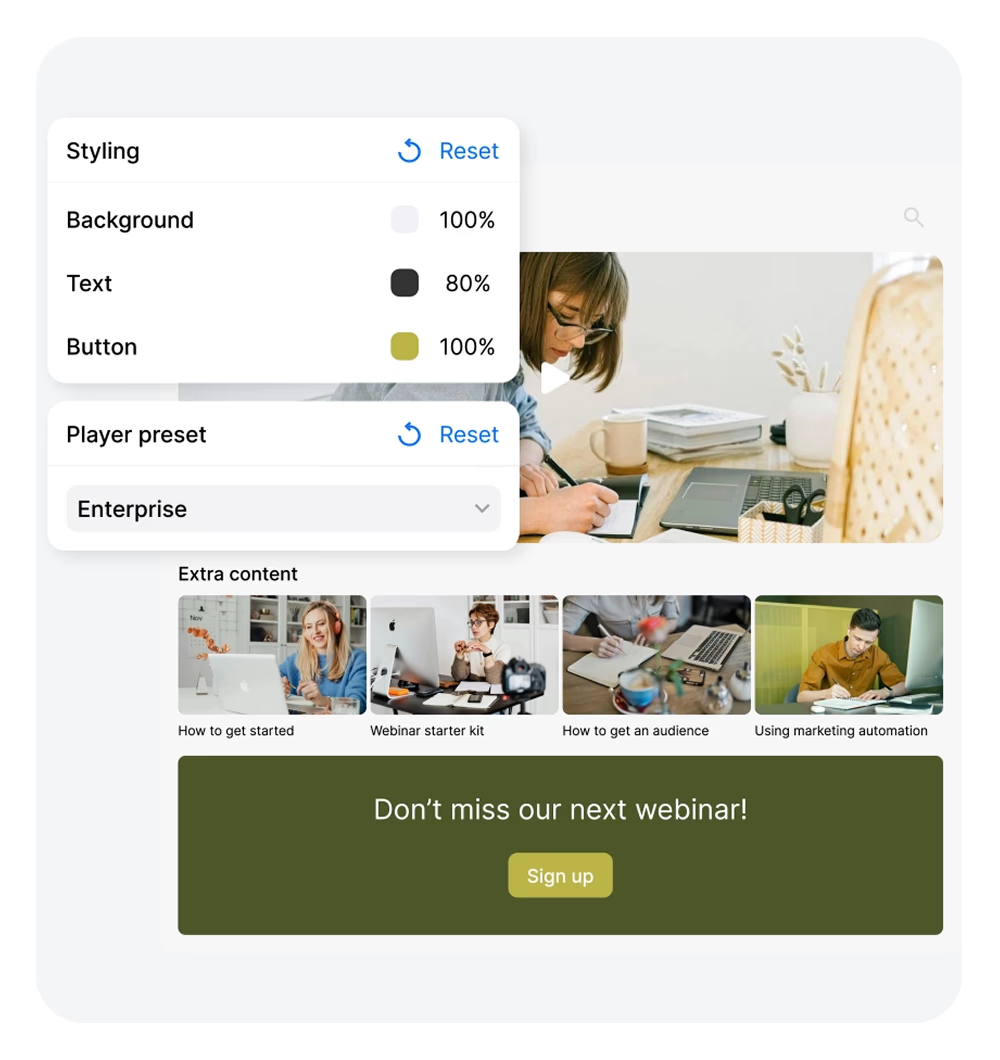
Every broadcast can live on its own page. Use Portals to publish a branded hub with a hero video, a programme of upcoming sessions, and any related on-demand content, no developer required.
Template-based
Pick a layout, add your hero video, drop in playlists. The page goes live as a standalone link or as an embed.
LIVE CAPTIONS
Live captions that keep pace with the conversation.
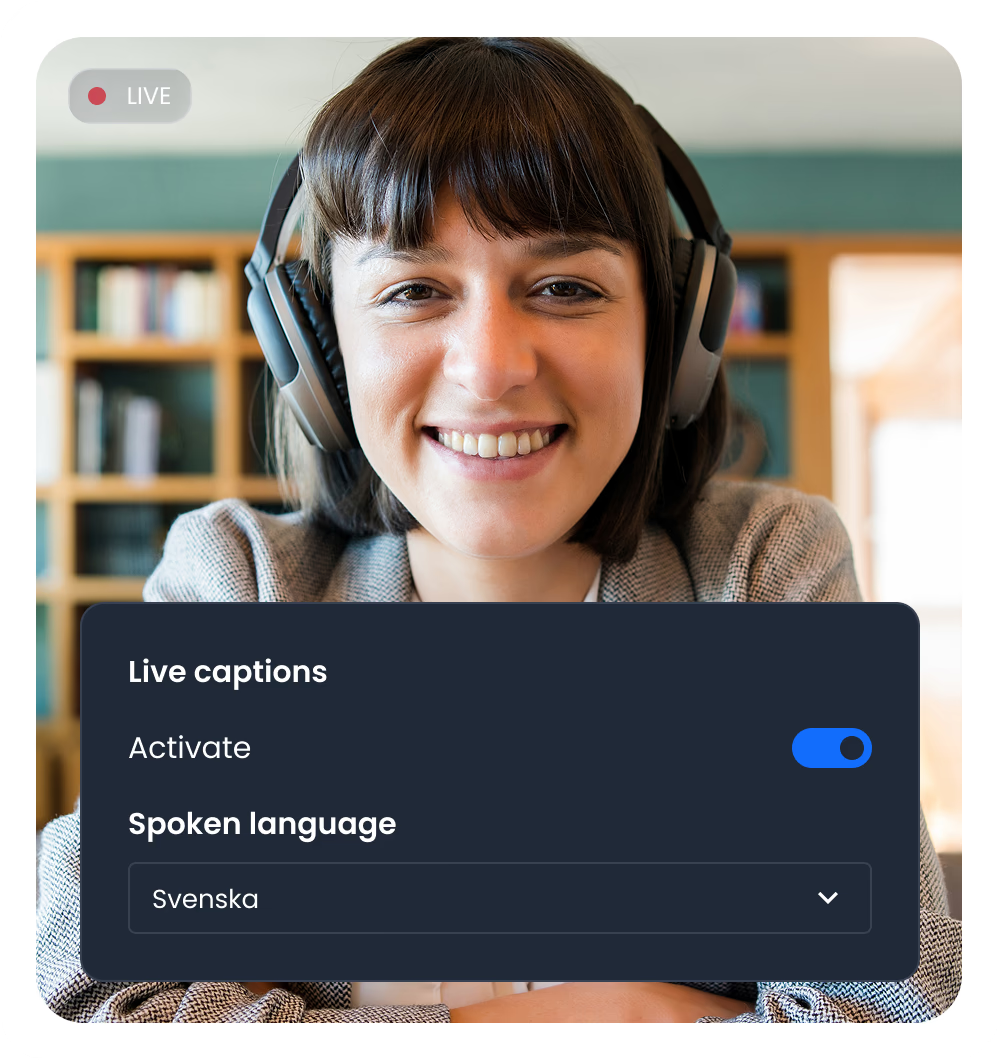
Highly accurate live captions, generated by advanced AI as the broadcast happens. Every viewer can follow from the first second, with minimal delay and no caption ops team required.
Generated as the words are spoken
AI captioning runs alongside the broadcast, with accuracy that holds up at conversational speed.
Inclusive by default
Hearing-impaired viewers, sound-off watchers, and noisy environments all stay with the conversation.
PICK YOUR PATH
Two ways to send your feed in.
Live Manager runs the broadcast either way. The choice is how you produce the feed: a familiar RTMP encoder workflow for studio productions, or Qbrick Meet for browser-based broadcasts with no install.
Push your feed in from any RTMP-compatible encoder. Use the production setup your team already runs and let Live Manager handle delivery, engagement, and archive.
BEST FOR
Multi-camera productions, branded conferences, investor briefings, and any broadcast where production value is the point.
Studio-grade broadcasts, with the encoder of your choice.
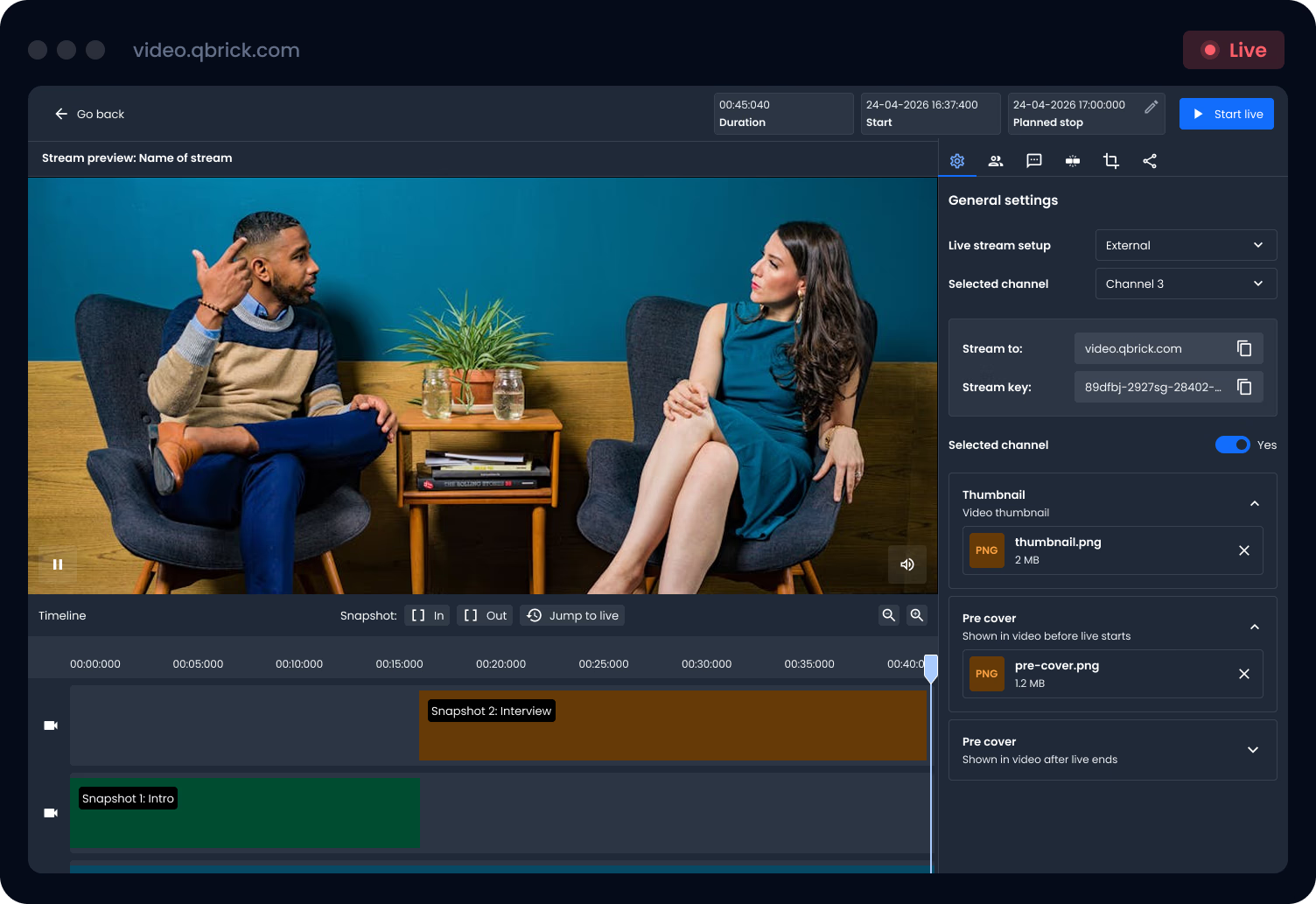
When production value is the point, RTMP streaming gives your team full control over the source. Push from any RTMP-compatible encoder into Live Manager, configure the stream, preview, and go live to a branded player. Engagement, archive, and analytics are handled the same way they are for every Live Manager event.
SETUP
Use any encoding software
OBS, vMix, Wirecast, or any RTMP-compatible source. Use the gear and workflow your production team already knows.
HIGH QUALITY
Adaptive bitrate streaming
Set framerate and resolution per channel. Broadcast up to 4K when bandwidth allows, with adaptive playback handled for the viewer.
ENGAGEMENT
Chat, moderated Q&A & polls
Live chat, moderated Q&A with voting, and polls keep the audience in the room and the moderators in control.
SHARE & ARCHIVE
Save snapshots and go from Live to OD with ease
Each snapshot becomes its own on-demand asset, ready to share before the event has ended. The full broadcast archives when you’re done.
Qbrick Meet is the second way to send a feed into Live Manager. No encoder, no install, no IT ticket. Open a browser, invite speakers by secure link, push “Go live”. Everything Live Manager does, now without a production rig in sight.
COLLABORATION
Invite and manage speakers
Each participant gets a unique, secure link. One click and they’re in — you control who is live at any time.
EASY SETUP
Browser-based, nothing to install
Run entirely from the browser — for you and for your speakers. No encoding software, no stream keys, no workarounds.
HOST AND SHARE
Presentation sharing
Speakers share slides in a dedicated module, visible to everyone in the meeting and on the live stream at the same time.
MODERATE
Structured Q&A from invited contributors
Participants raise their hand when they have a question. Your operator decides who goes live — ordered and on-record, not a free-for-all.
All processing and data storage stays within the EU.
Fully GDPR compliant.
Built on European data protection standards from day one.
Private data centre.
Your video lives in our private infrastructure, not in shared public cloud.
Transparent DPA.
Every subprocessor we use is listed in our Data Processing Agreement.
Green operations.
Certified low-carbon hosting that you can report on.
FAQ
Frequently asked questions
About Qbrick’s live solutions
Do I need an encoder to go live?
Only for RTMP streaming. Qbrick Meet runs from any modern browser, with no install or encoder required. Pick the method that matches your setup.
Are live streams recorded?
Yes, this is a feature you can turn on. If turned on, the live stream automatically switches to an on-demand video for viewers to rewatch.
Can I run several live streams at once?
Yes. Qbrick supports multiple channels, so you can broadcast different events simultaneously. Each channel has its own stream key, configuration, and engagement panel, which means a global town hall and a regional product demo can run side by side without interference.
Do you support live captions?
Yes. Live captions are available for live broadcasts in Qbrick.
Can I run chat, Q&A and polls for RTMP and Qbrick Meet?
Yes. Live chat, moderated Q&A with voting, and polls are all part of Live Manager and toggle on per event. Engagement can be identical across RTMP and Qbrick Meet broadcasts.
Which method should I pick if I'm not sure?
If your event has a production team, multi-camera coverage, or branded graphics, go with RTMP streaming. If your event is a webinar, town hall, or quick update with remote speakers, go with Qbrick Meet. We’re happy to help you pick on a demo call.
Book A Demo
Not sure which method fits?
Book a 30-minute tour of Live Manager. We’ll show you both streaming methods live and help you pick the right one for your next event.