
February brings two powerful updates to the Qbrick platform. With Live Captions for live streams, you can automatically generate real-time subtitles that make broadcasts more accessible and easier to follow. We’re also introducing Geo and Domain Restrictions, giving you precise control over where your media can be viewed. Together, these features make your video communication both more inclusive and more secure.
Live Captions for Live Streams
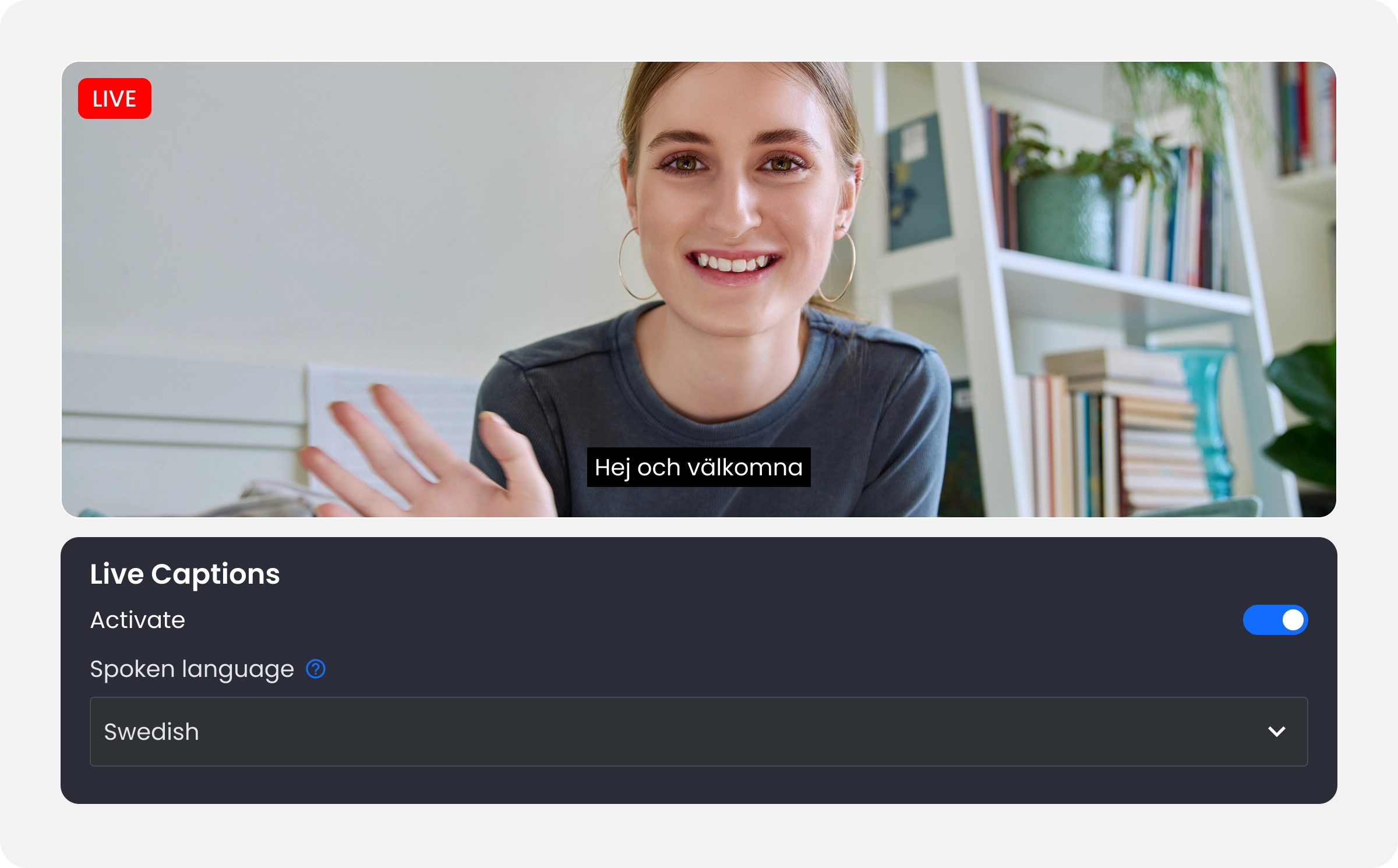
Live events move fast. Ideas are shared in real time, and audiences join from different environments, devices, and languages. With Live Captions, Qbrick now automatically generates subtitles during live broadcasts using speech-to-text technology.
This means viewers can follow along even if they are watching without sound, are in a noisy environment, or rely on captions for accessibility. Live captions make webinars, town halls, earnings calls, and internal broadcasts easier to understand and more inclusive for global audiences.
The feature builds on Qbrick’s transcription and subtitle technology and works seamlessly within your live streaming workflow. Captions are generated automatically during the broadcast, helping you reach more viewers without adding extra production steps.
Whether you’re communicating with customers, employees, or investors, live captions ensure your message is clear, accessible, and easy to follow.
Learn more about Transcriptions, Subtitles & Live Captions
Geo and Domain Restrictions
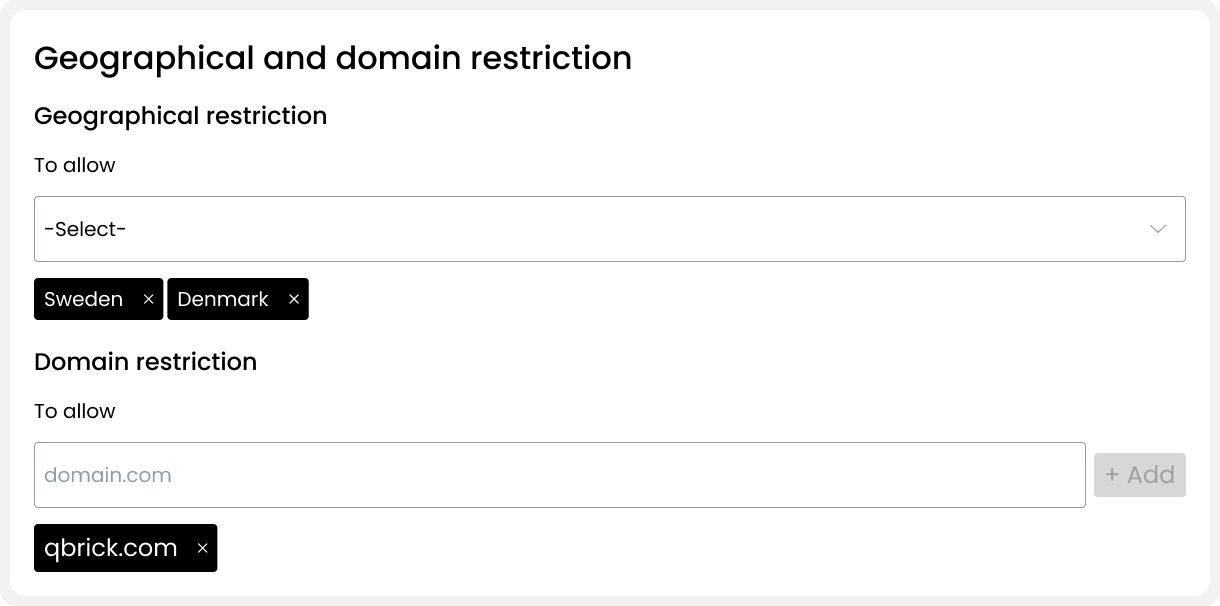
Not every video should be available everywhere. Sometimes content needs to be restricted to specific regions, organizations, or partner websites. That’s where Geo and Domain Restrictions come in.
With this new feature, Qbrick users can create access rules that define exactly which countries and domains are allowed to view a media asset. This gives organizations greater control over how and where their video content is distributed.
Access rules can be managed in the Access Restrictions section of your media. From there, you can create a new rule and specify allowed countries and domains — as many as you need. This makes it easy to limit viewing to specific markets, internal portals, or trusted partner sites.
The result is a simple but powerful layer of governance that helps protect sensitive content while ensuring it reaches the right audience.
Want to learn more?
Interested in using these new features in your video communication?
If you’re already a Qbrick customer, reach out to our team to learn how to enable Live Captions and access restrictions in your account.
If you’re not yet using Qbrick, book a meeting with our team to see how our platform can help you deliver secure, accessible, and professional video experiences.