

Qbrick video platform is your home for video. This is where where videos are uploaded, governed, tagged, secured, and managed over time. When it comes time to publish your videos, you might find that you need a way to structure those videos into specific purpose-based pages. You could build this yourself, or you could use Qbrick Portals.
Qbrick Portals are a quick and easy way to turn selected videos into:
- A site
- A channel
- A series
- A course
- A destination
Now we’re moving from infrastructure to storytelling. Let’s get into it.
Choose Your Videos and Define Your Purpose
Depending on your use case, a portal could be a way to publish all your latest videos on your website, or it could be a curated selection meant for a specific target audience.
When portals come in handy
Imagine a scenario where you want to send your business partners a selection of 10 videos to onboard them into your system or sales process. You could:
1) Give them the login credentials to your account and hope they find them (please don’t do this)
2) Send them 10 separate links to all the individual videos
3) Create and send a playlist with all videos playing after one another
Yes, you could choose one of those options. But the results aren’t ideal, and might create confusion for the partners you’re hoping to instruct.
The better alternative here would be to create a branded portal for this specific purpose. Maybe the hero video could be an introduction, followed by 10 videos in the correct order with clear thumbnails, titles and descriptions. That’s how you go from content to purposeful storytelling.
Video on Your Website

Sometimes you just want to post a video to your website. For that, you don’t need a magic tool; you just need an embed code. But what if you want to group videos into one section with one specific purpose? That’s where Qbrick Portals come in.
Videos with a purpose
Here are examples of what you can display on your website using Qbrick Portals:
- A campaign landing page built with videos
- Vertical testimonial videos in a carousel
- A landing page for a video or video podcast series
- A live event landing page for webinars and meetings
- A playlist showing all videos related to a specific product or service
- A video FAQ page for your online support service
Explained in simple terms, a portal is an easy way to group videos together in a branded and customized experience that makes it easier for your website visitors to find what they’re looking for.
Instead of building the interface yourself, you can get it in seconds from our platform, with search, pagination and design included.
Let’s go into some specific use cases.
Internal Portals (Onboarding, Training, Communication)
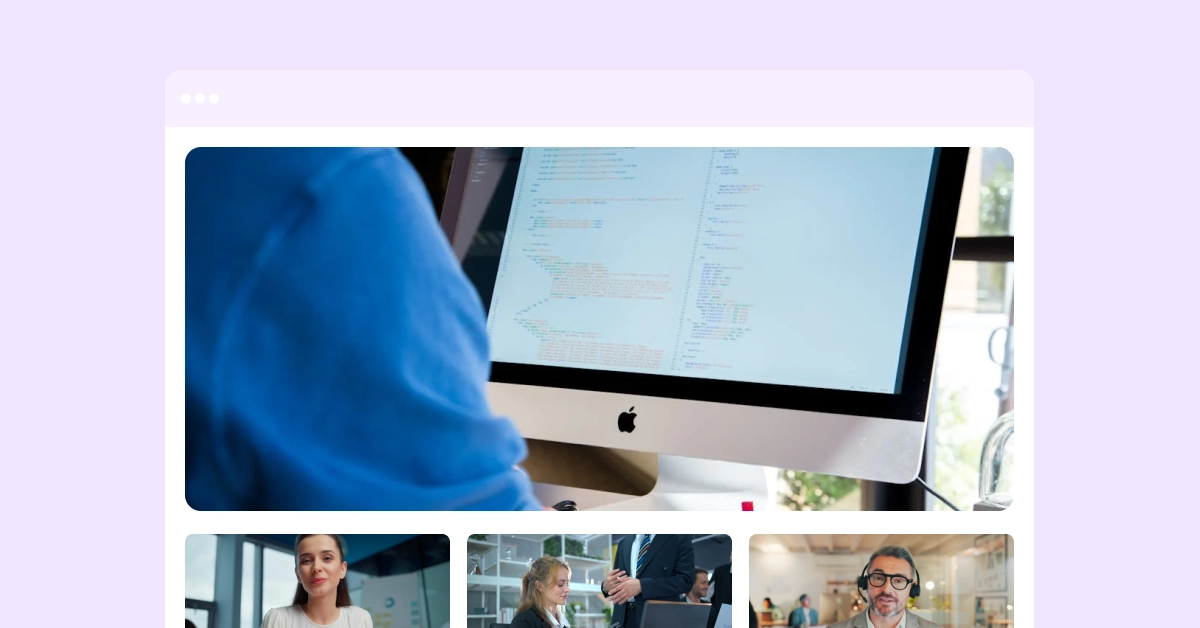
Qbrick Portals is the best tool for creating video-based onboarding hubs, video archives for teams and leadership communication spaces.
Portal features for Teams
Important features that are crucial for professional teams are included:
Password protection: Set a password that users have to enter to view your videos
IP restrictions: Block users from seeing your content based on their IP adresses
Geographical restrictions: Block users from seeing your content based on where they are in the world
Dynamic playlists for automatic updates: Setup your portal playlists using dynamic filters like upload date or tags, to get automatic updates when new content is added to the platform
With Qbrick’s Portal templates, you can also make sure that your portal designs are up-to-date and following brand guidelines.
Campaigns, Series & Video Podcasts
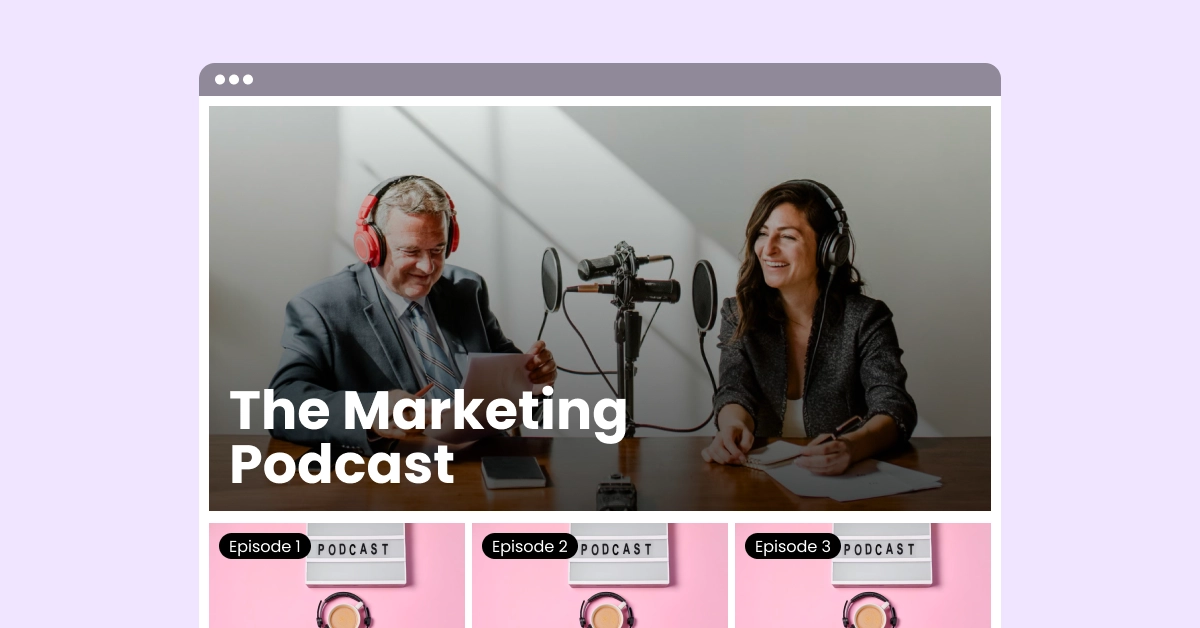
Qbrick Portals lets your video series live beyond social media timelines. Now you can create customized channels for your content and repurpose them for future marketing efforts.
Create sleek designs that fit your brand and series aesthetic, sort episodes by seasons, sort and categorize with stylized thumbnails and clear descriptions.
Learning and Structured Video Content
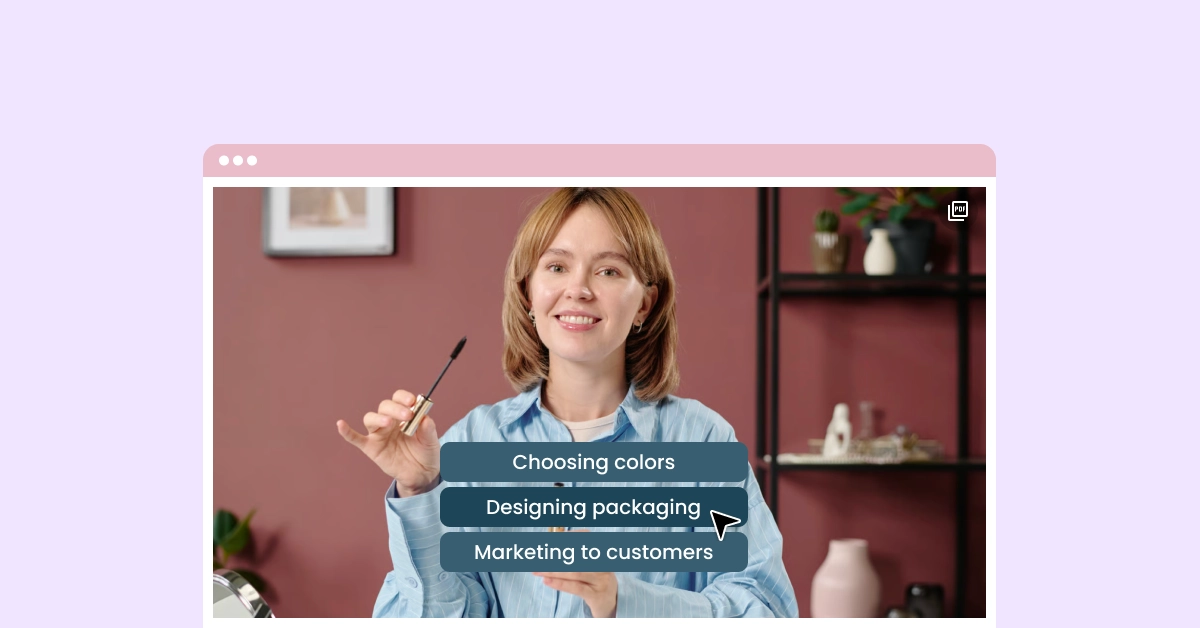
With Qbrick Portals, you can create an online video course, with all related video content gathered in one place.
Besides all the featured already mentioned in this article, you can utilize Qbrick’s interactive features to make your educational content more engaging and hands-on!
What you can do with interactive video
Use Qbrick’s interactive features to:
- Include links to learning materials (documents, websites, etc)
- Divide your video into shorter “steps” so users can click to the next segment when they’re ready
- Create multiple choice-type quizzes
- Link to related videos
- Include clickable CTAs that lead to further courses or information
Easily Scaled Up
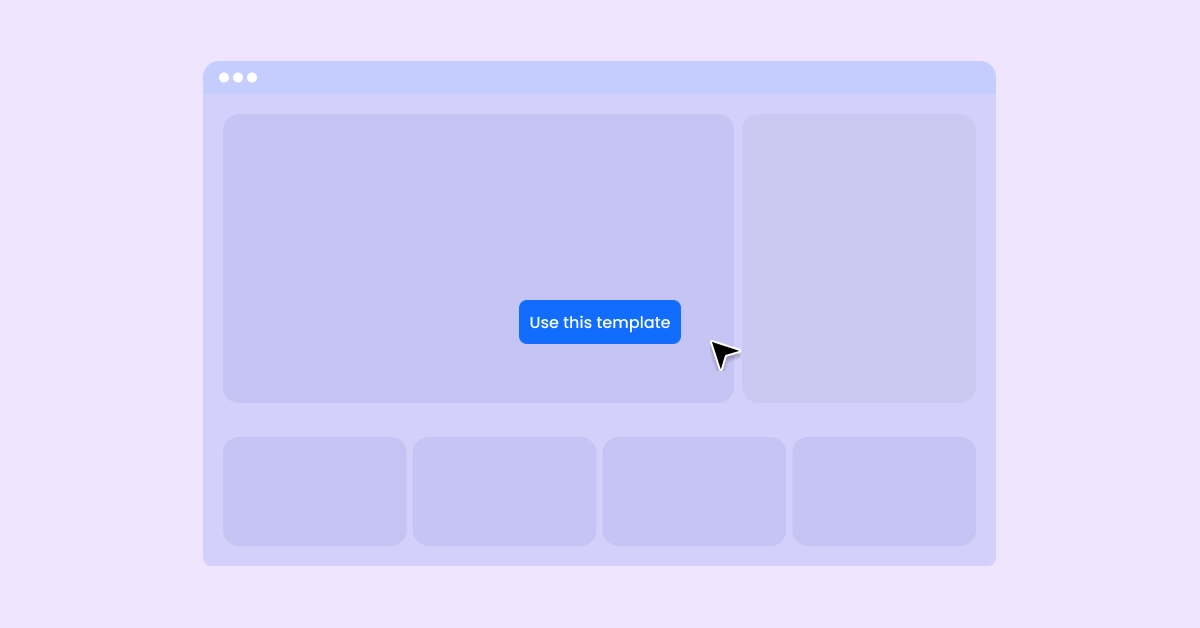
Using our organization features in the Qbrick platform along with portal templates and dynamic filters allows you to easily scale up your video communication.
Portal templates
Create portal templates for each brand and use case that everyone in your team can use: Adjust templates at any time and see your portal designs update in real time.
Dynamic content
Create tags to organize your videos into different use cases and areas of communication to easily filter in new video content into your portals: As soon as new videos are uploaded and tagged, your affected portals will update automatically to feature your new content.
From infrastructure to storytelling
When video is governed in one place and presented in many, it stops being static content and becomes a flexible communication tool.
That’s what Portals enable.
Try it today– on your website, linked in your email marketing, posted in your company’s intranet and posted to friends and colleagues on social media. Always there, always up-to-date.