
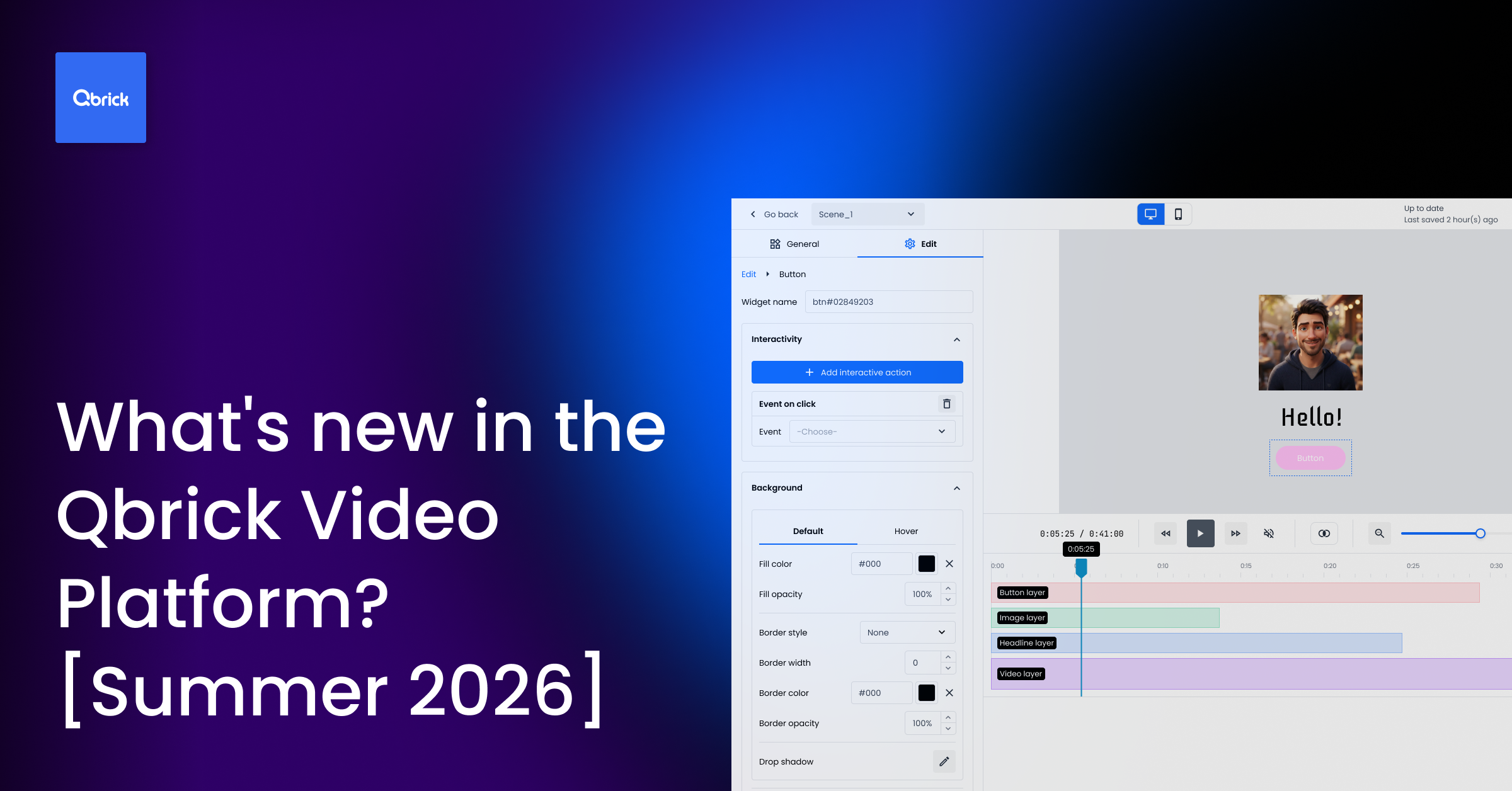
Bring your interactive videos to life in Qbrick Interact
Interactive video only works if it feels good to build. This release focuses on making creation in Qbrick Interact more expressive, faster to work with, and easier to fine-tune.
Animation for every widget
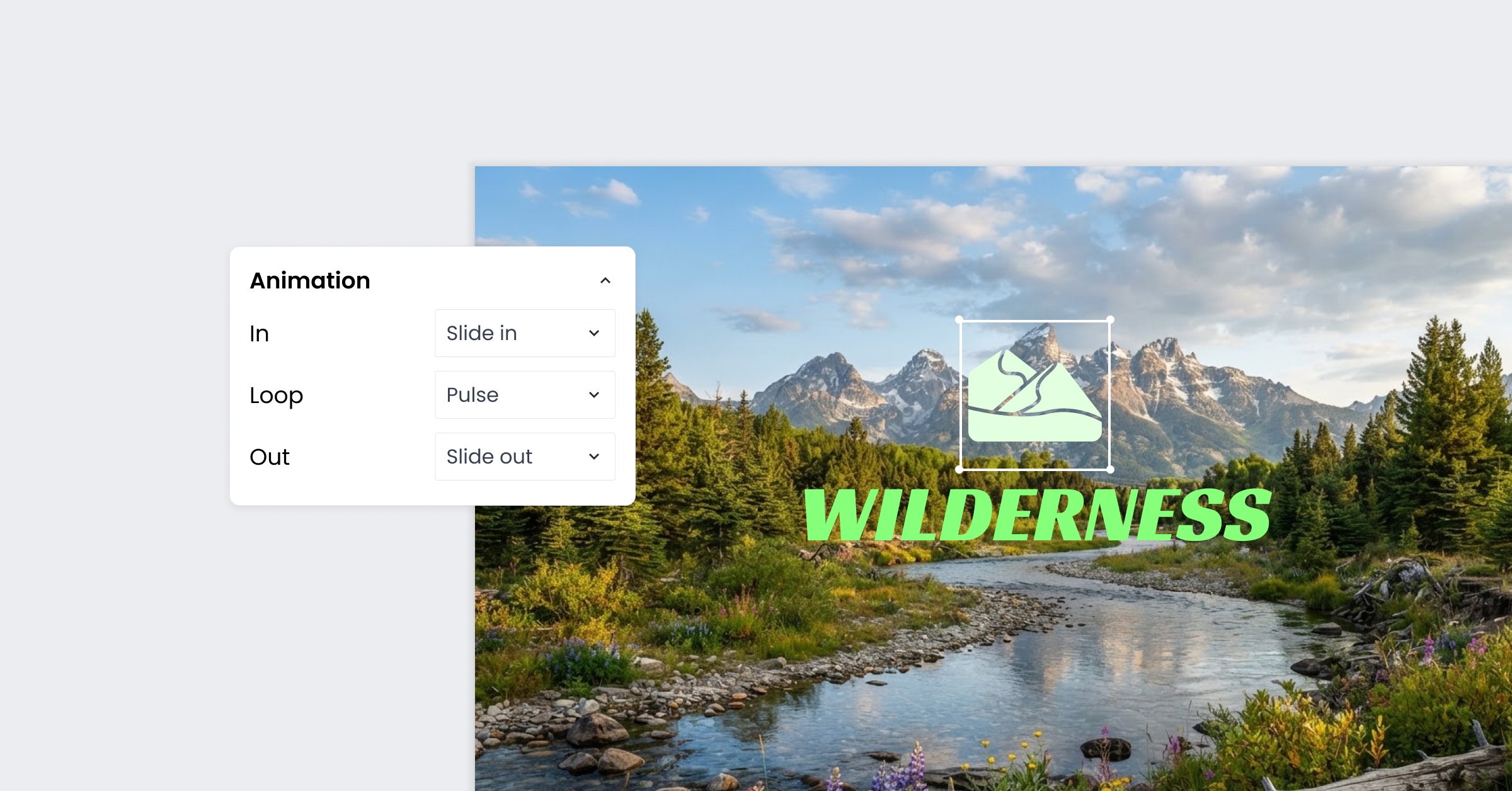
Every widget you add to a video in Qbrick Interact can now be animated. Whether it’s a button, a text box, or any other element, you can give it an “in” animation for how it appears, a “loop” animation for how it behaves while it’s on screen, and an “out” animation for how it leaves.
Each of the three states is set independently, so a widget can enter with one kind of motion, sit with a subtle loop to keep it noticeable, and exit with something different again. It’s a small addition with a big effect on how finished a video feels, and it takes the same amount of effort as before: pick your widget, open its animation settings, and choose from the in, loop, and out options.
A new Shape widget for richer designs
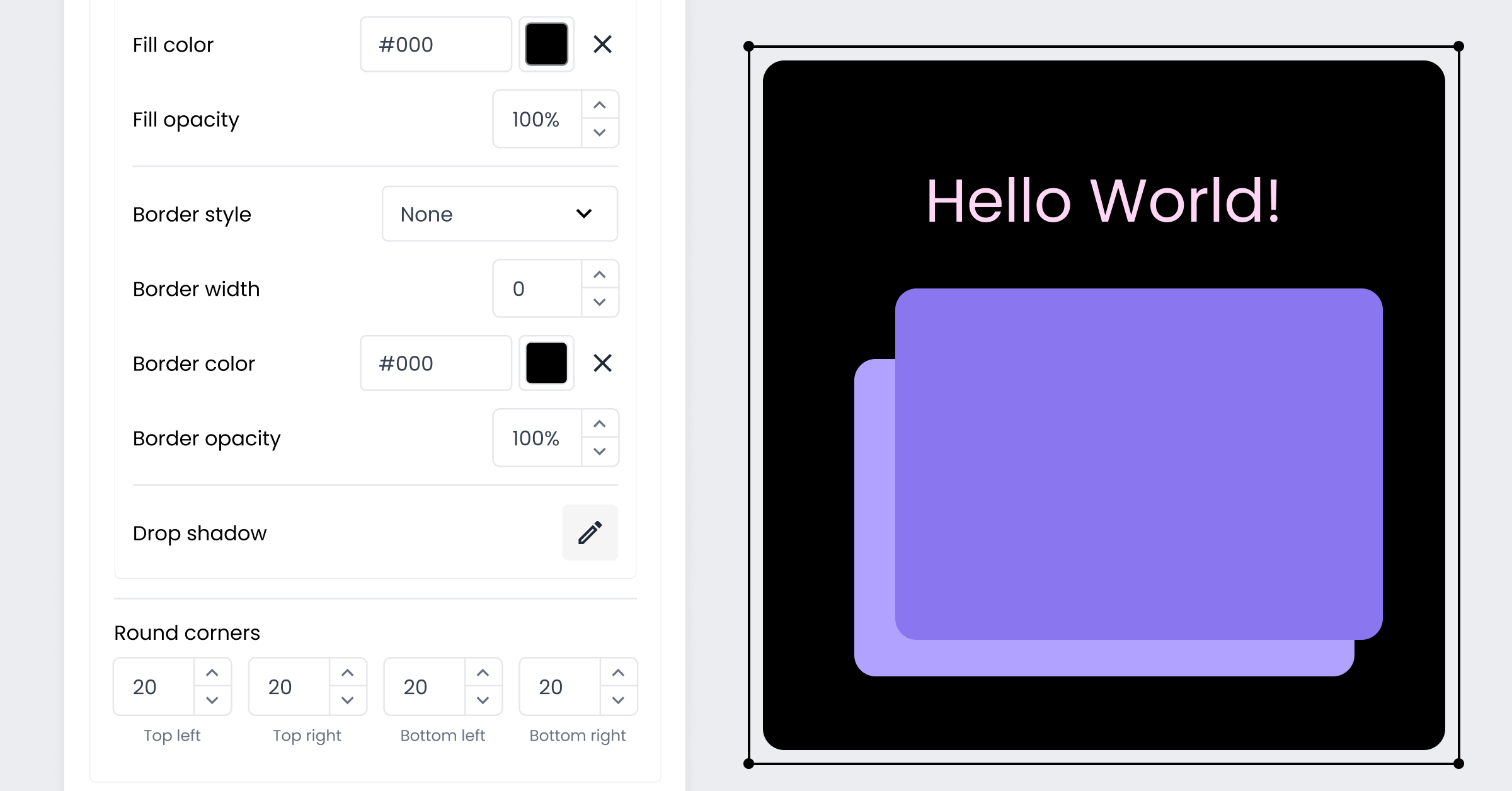
Alongside the animation update, we’ve introduced a new widget type: Shape. Until now, shapes and backgrounds had to be baked into a widget’s design or handled outside Interact entirely. Now you can add a shape as its own layer, independent from text.
This separation is what makes more complex designs possible. Place a shape behind your content and animate it on its own, then add text on top with its own distinct animation. The result is layered, visually rich compositions where each element moves in its own way, without needing to touch a design tool outside the editor.
A timeline built for precision
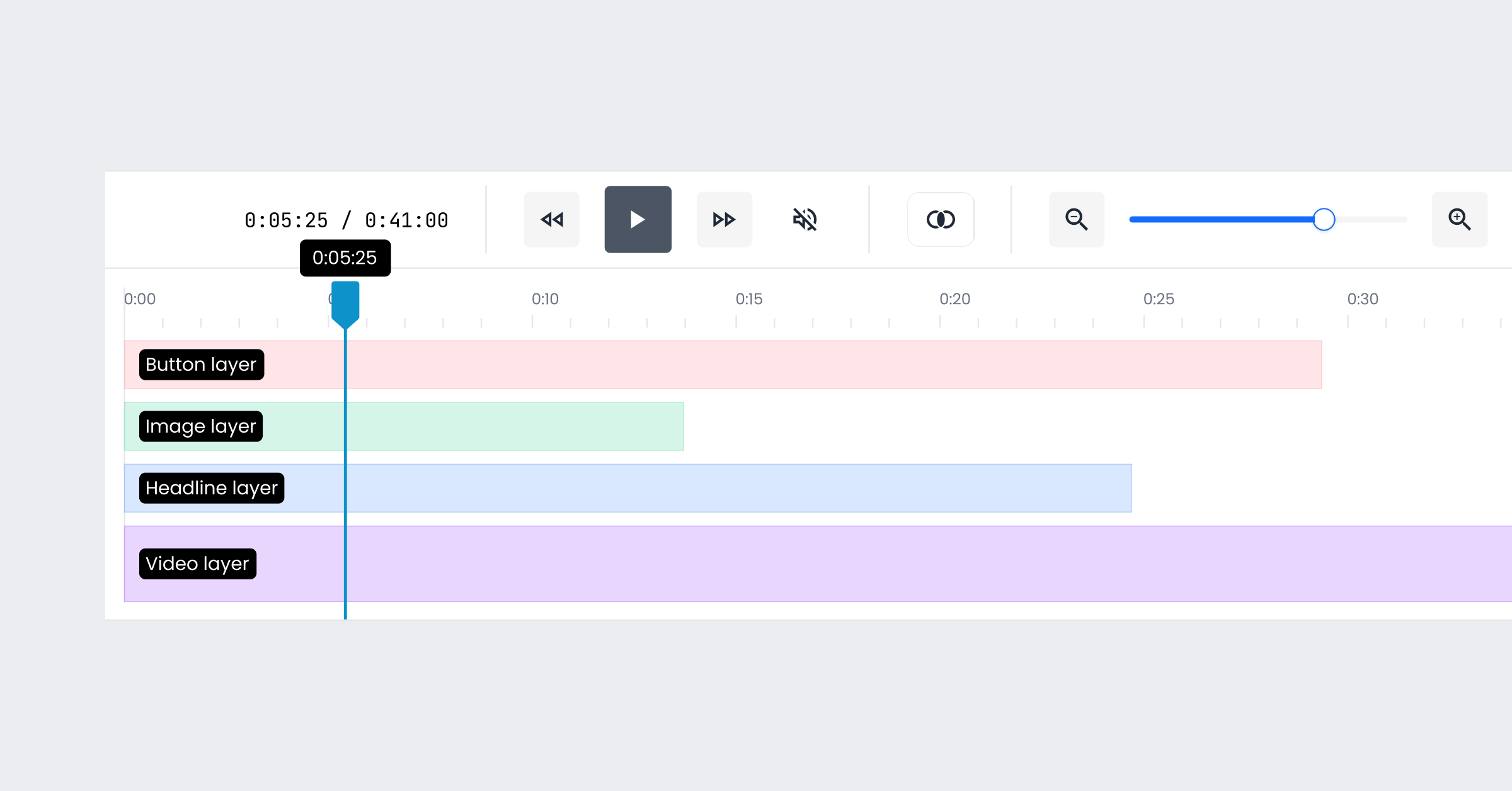
We’ve also improved the timeline in Interact to make navigating and adjusting your video easier. The timeline can now be resized, giving you more room to work when a scene has several layers stacked on top of each other.
Layers can now snap to one another on the timeline too. When you’re lining up the timing between two or more elements, whether that’s making a shape and its text appear together or staggering them by a beat, snapping makes it much easier to get the timing exact without trial and error.
Qbrick Player: let viewers know when they're watching AI content
As AI-generated video becomes more common, transparency with your audience matters. Under the EU AI Act, effective August 2, 2026, companies must visibly tag and digitally watermark synthetic audio, video, images, and specific public-interest texts to show they are made by AI.
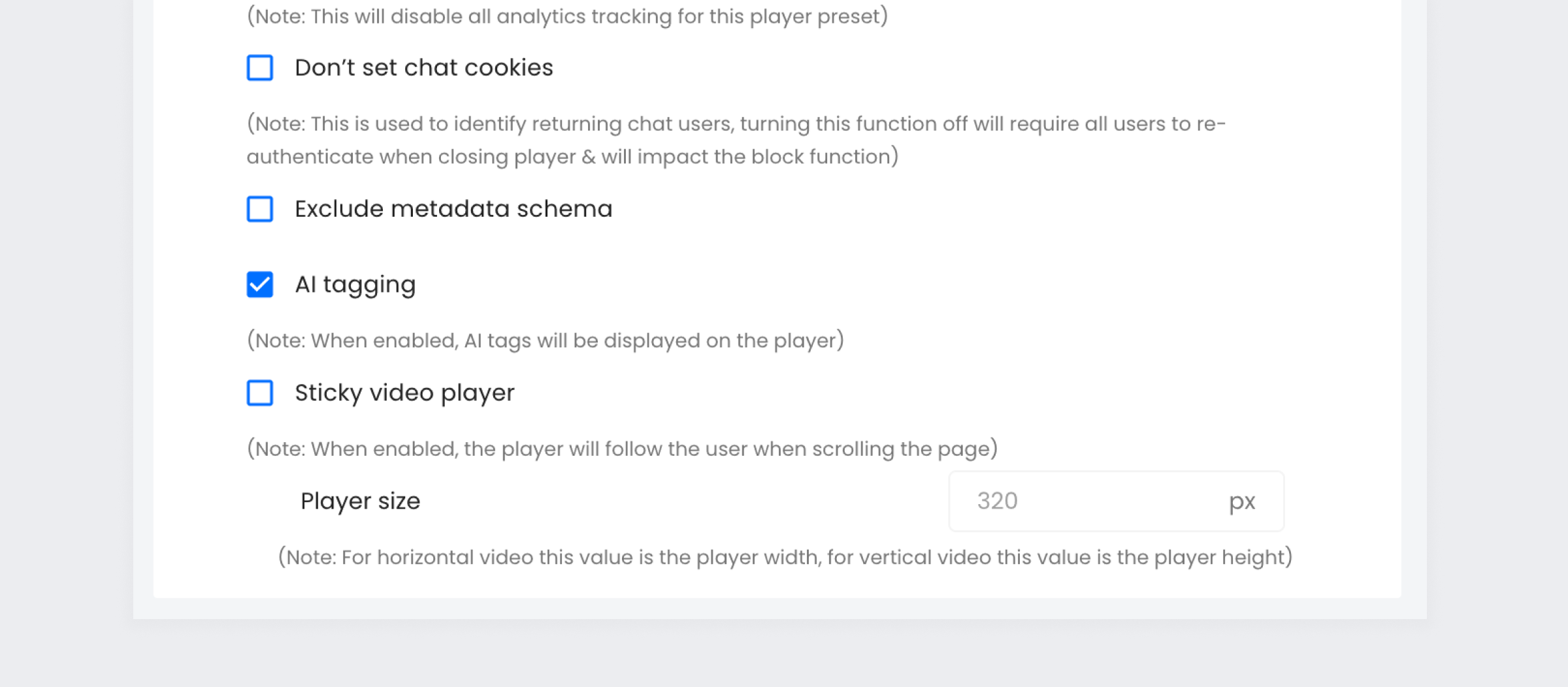
You can now enable AI tagging on a specific player preset, which displays a clear AI tag in the Qbrick player for any video played through it.
Because the setting lives on the preset rather than on individual videos, you only need to configure it once. Apply the preset to any video that contains AI-generated material, and the tag is shown automatically, no need to remember to switch it on for each upload.
Both updates are available now for all Qbrick customers. Log in to try the new animation and Shape widget options in Interact, and set up an AI-tagging preset for your player.