
Introducing the Qbrick Video Widget
Video has become one of the most effective tools for communicating with website visitors — but the way most video gets embedded hasn’t kept up. The standard approach is to drop a video player into a page, hope the visitor scrolls to it at the right moment, and watches it to the end. In practice, videos get buried below the fold, compete with surrounding content for attention, or play at a moment when the visitor simply isn’t ready.
For teams using video to onboard new users, explain a product, support customers or drive conversions, this is a real limitation. The content is good. The placement is the problem.
The Qbrick Video Widget is our answer to that.
What the video widget is
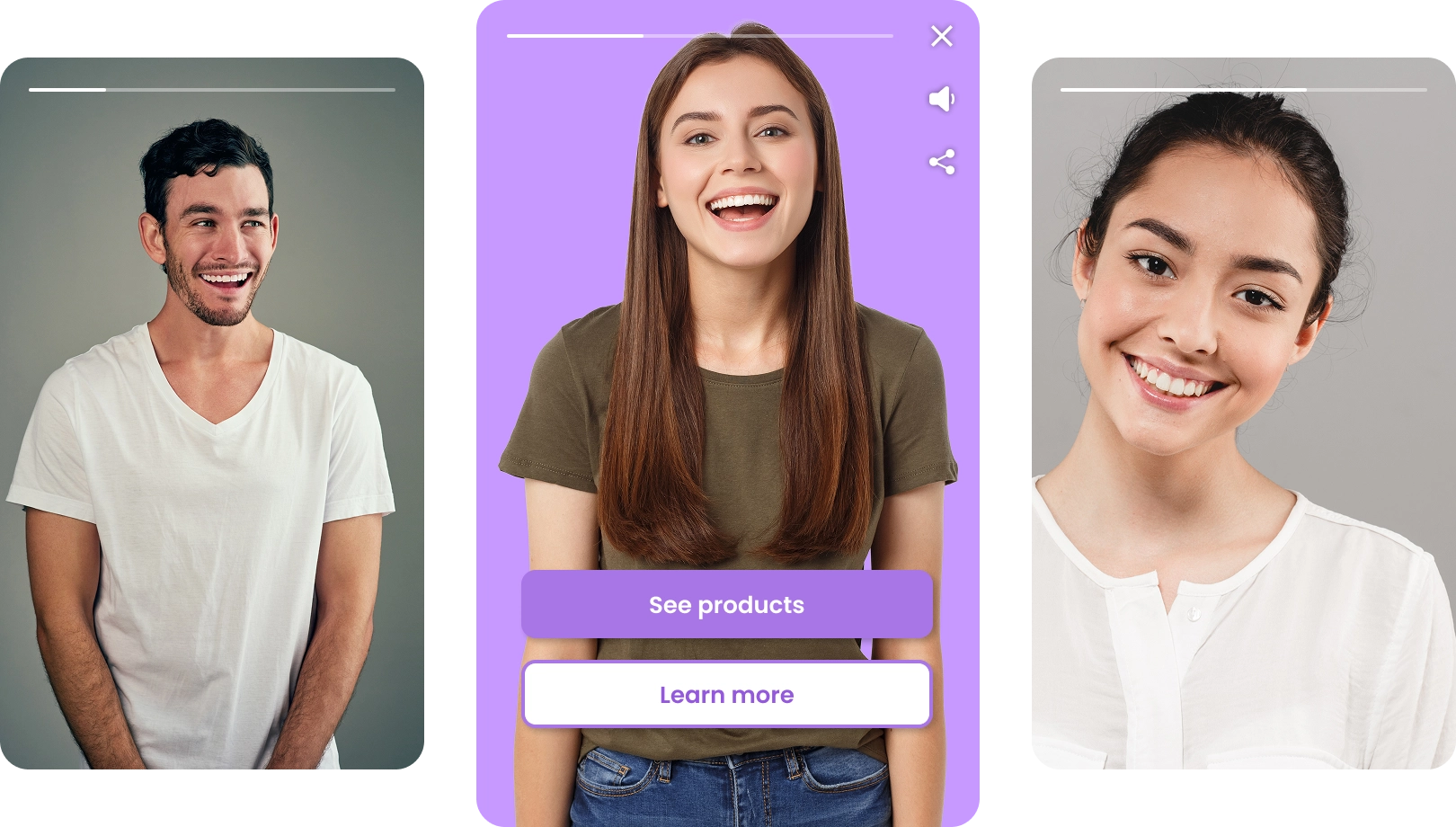
The widget is a floating video experience that lives persistently on your website — visible as visitors browse, but never intrusive. It doesn’t interrupt the page or block content. It doesn’t autoplay. It sits available, and visitors choose when to engage with it.
This changes the dynamic entirely. Instead of demanding attention at a fixed point on a page, the widget is always reachable — whether a visitor is reading your homepage, browsing your pricing page, or midway through your documentation. The moment they want to know more, it’s there.
It’s built for the kind of video that benefits from being consistently available: product walkthroughs, onboarding guides, feature explanations, customer testimonials, or sales-driven content that needs to be on hand without taking over the page.
Interactive by design
Where the widget becomes genuinely powerful is when you combine it with interactive video. Rather than passively playing a clip, the widget can host a full interactive experience — branching paths that adapt to what the viewer chooses, embedded questions, clickable calls to action, and guided flows that take visitors exactly where you want them to go.
This means a visitor landing on your product page could open the widget, answer a question about their use case, and be taken through a tailored video path that ends with a direct link to book a demo — all without leaving the page they were already on.
For marketing teams, this makes the widget a conversion tool, not just a content delivery mechanism. For product and support teams, it means onboarding flows and help content can be delivered in context, interactively, at exactly the moment a user needs them.
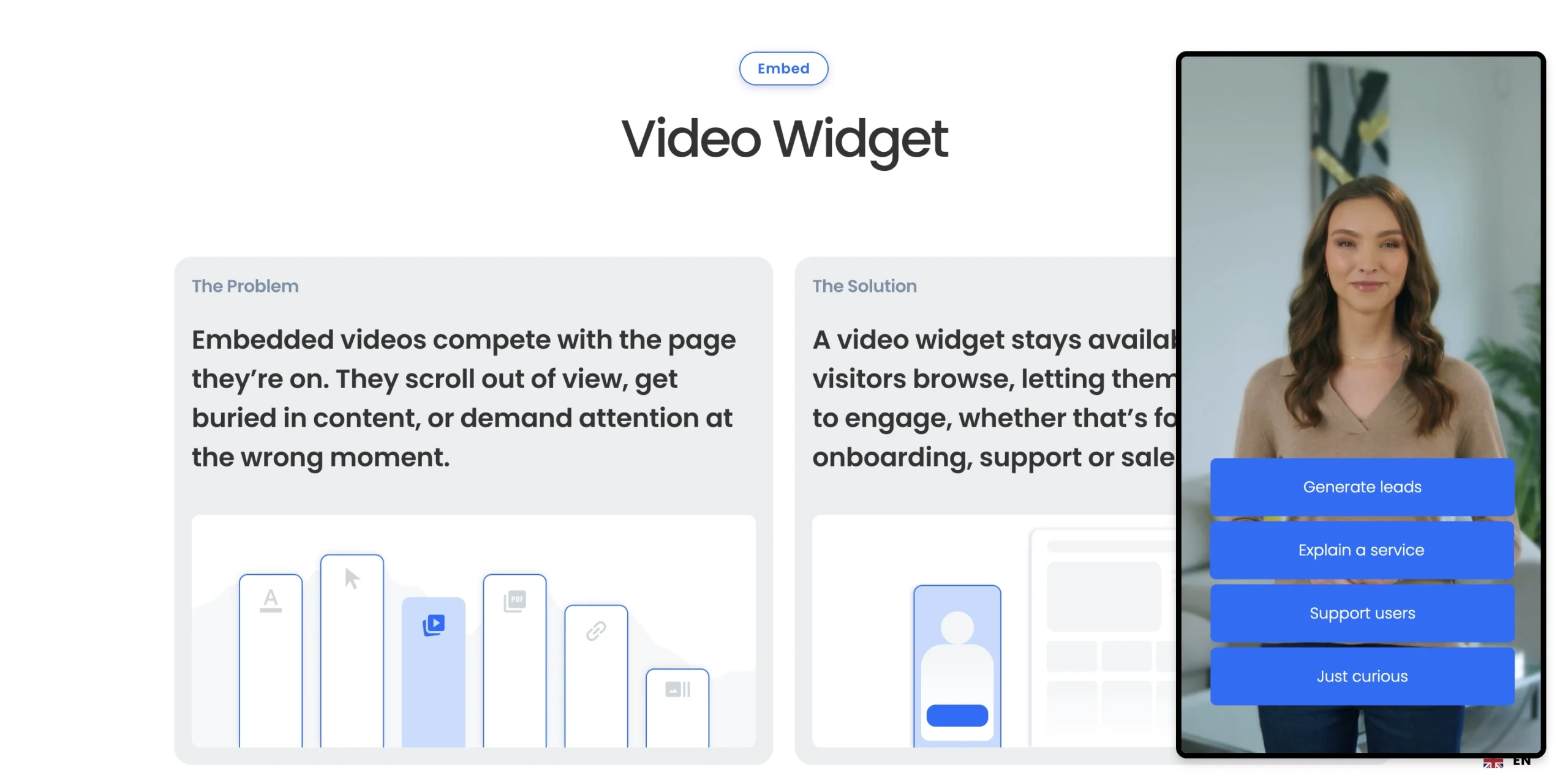
Video widget on qbrick.com/video-widget
One platform, instant updates
One of the more practical advantages of the widget is how it handles updates. Because the widget is connected live to the Qbrick platform, any change you make — swapping the video, updating a call to action, adjusting the branding, adding a new interactive path — is reflected instantly in every instance of the widget across your site.
There’s no need to update embed codes, republish pages, or coordinate with a developer every time the content changes. You manage it once in Qbrick, and it’s live everywhere.
Part of the Qbrick Player
The video widget is one of three ways to use the Qbrick Player on your website. Alongside traditional inline embeds — where video sits directly within a page layout — and full video portals for hosting organised content libraries, the widget rounds out a flexible system for delivering video in whatever way fits your context.
All three share the same foundation: a lightweight, fully brandable player with no forced tracking, built to integrate with your existing tech stack and adapt to your requirements rather than the other way around.
If you’re already using the Qbrick Player for inline video, adding the widget is a natural next step — particularly for pages where you want video to be available without it dominating the layout.
The widget is available now for all Qbrick customers. Try it out today.